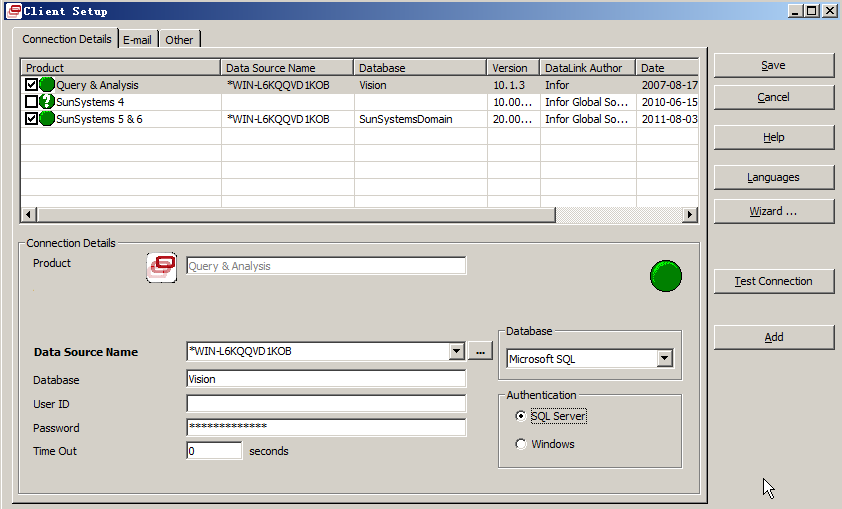
如果SunSystems服务器发生了改变,需要在客户端更新服务器名称或ip地址
Infor10 (SunSystems)
- 点击Windows 开始 - 所有程序 - Infor10 Financials Business - Tools - SwitchServer
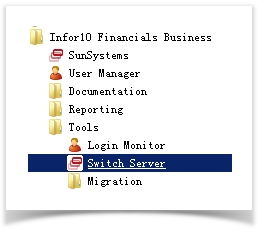
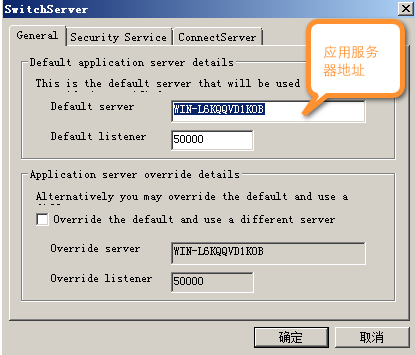
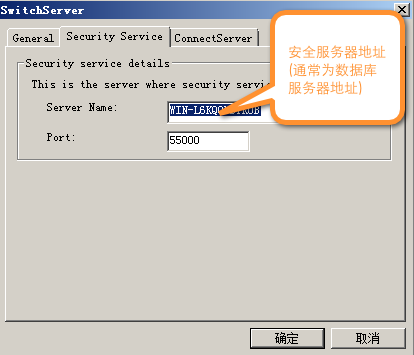
更新服务器名称或ip地址。
Infor Q&A (VISION)
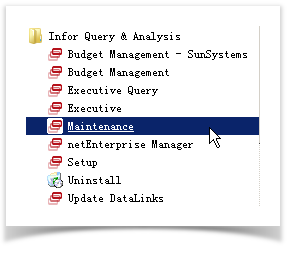
- 点击 开始 - 所有程序 - Infor Query & Analysis - Maintenance
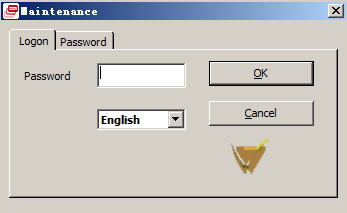
- 默认没有密码,除非用户自己曾经设置。
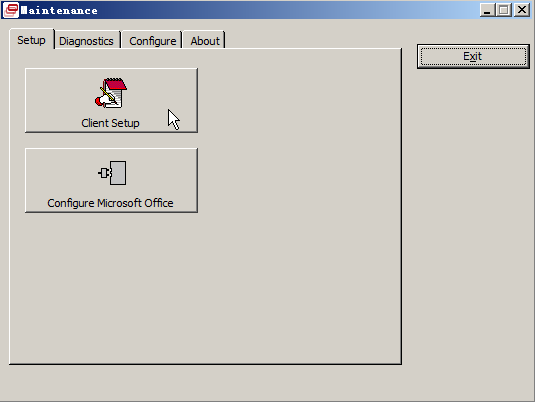
- 选择 Client Setup(客户设置)
- 分别更新Vision 及 SunSystems 服务器参数,并点击 Test Connection (测试连接),点击Save 保存配置参数。